Synopsis #
OpenBSD packages include puzzle games, dungeon adventures, transport simulations, platform games, and multiplayer shooters. Many include everything needed to play. Others provide an engine or emulator and require separate game data.
| Looking for | Start with |
|---|---|
| A short puzzle break | Mahjong solitaire and logic puzzles |
| A game over a terminal connection | Terminal games |
| Building and planning | OpenTTD |
| A turn-based campaign | The Battle for Wesnoth |
| Running, jumping, or racing | SuperTux or SuperTuxKart |
| A classic point-and-click adventure | Beneath a Steel Sky |
Installing Games #
Install XMahjongg and launch it from an X session :
doas pkg_add xmahjongg
xmahjongg
Run games as the regular user; use doas only for installation. Package availability varies by architecture; each linked package page lists its restrictions. See package management
for searching, updates, and package flavors.
Mahjong and Logic Puzzles #
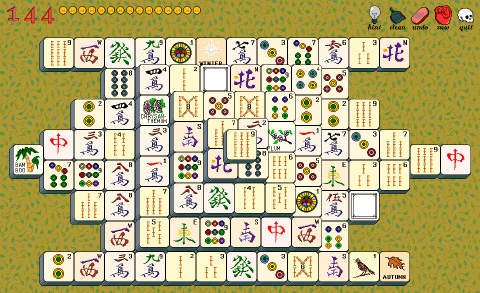
XMahjongg is single-player Mahjong solitaire: remove matching pairs of exposed tiles until the board is clear. Several tile sets and layouts are included.
| Game | Package to install | Launch command |
|---|---|---|
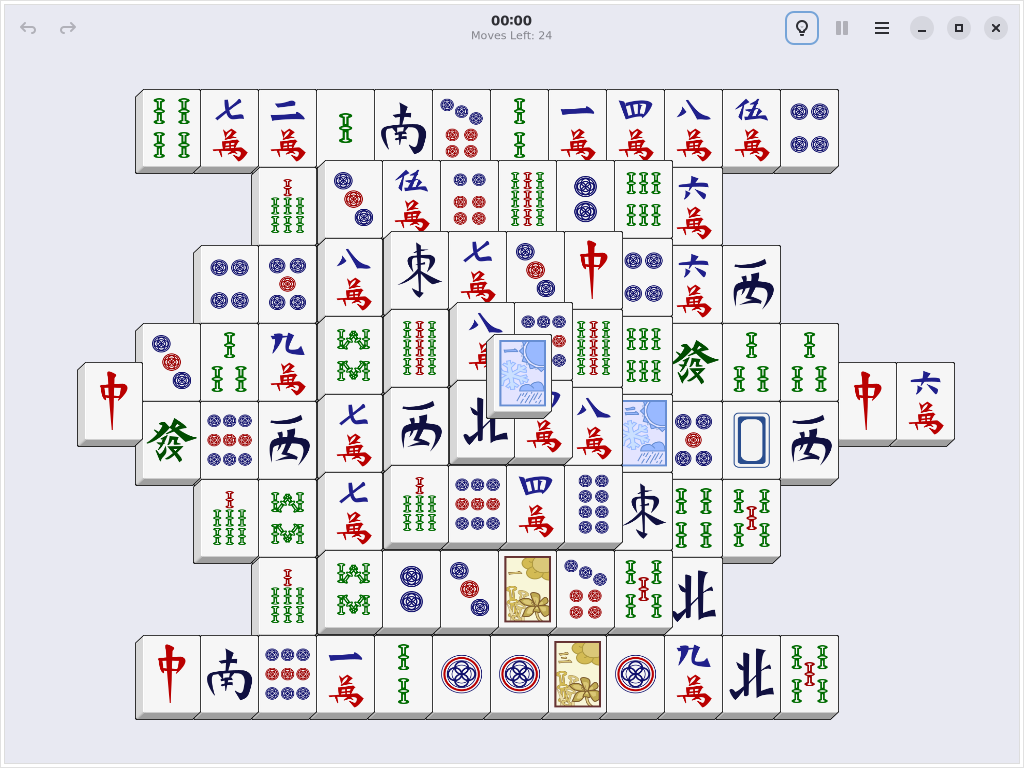
GNOME Mahjongg, another Mahjong solitaire game (amd64, arm64, riscv64, and sparc64 only) | gnome-mahjongg | gnome-mahjongg |
| Simon Tatham’s Portable Puzzle Collection | puzzles | puzzle-solo, puzzle-net, or another puzzle-* program |
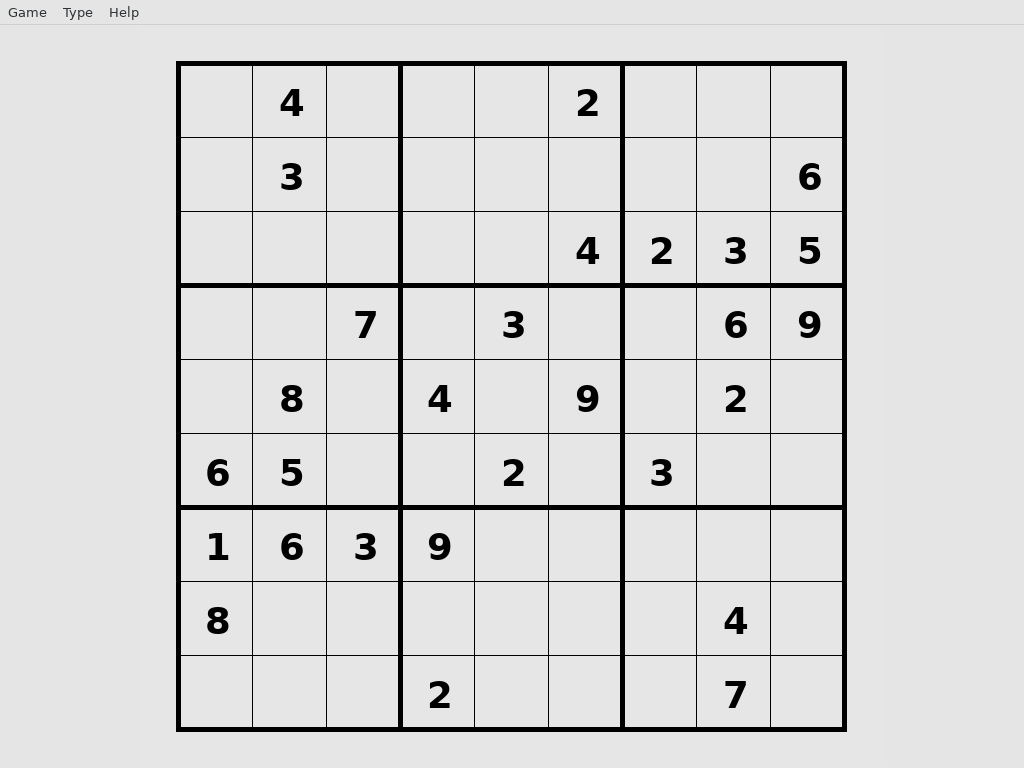
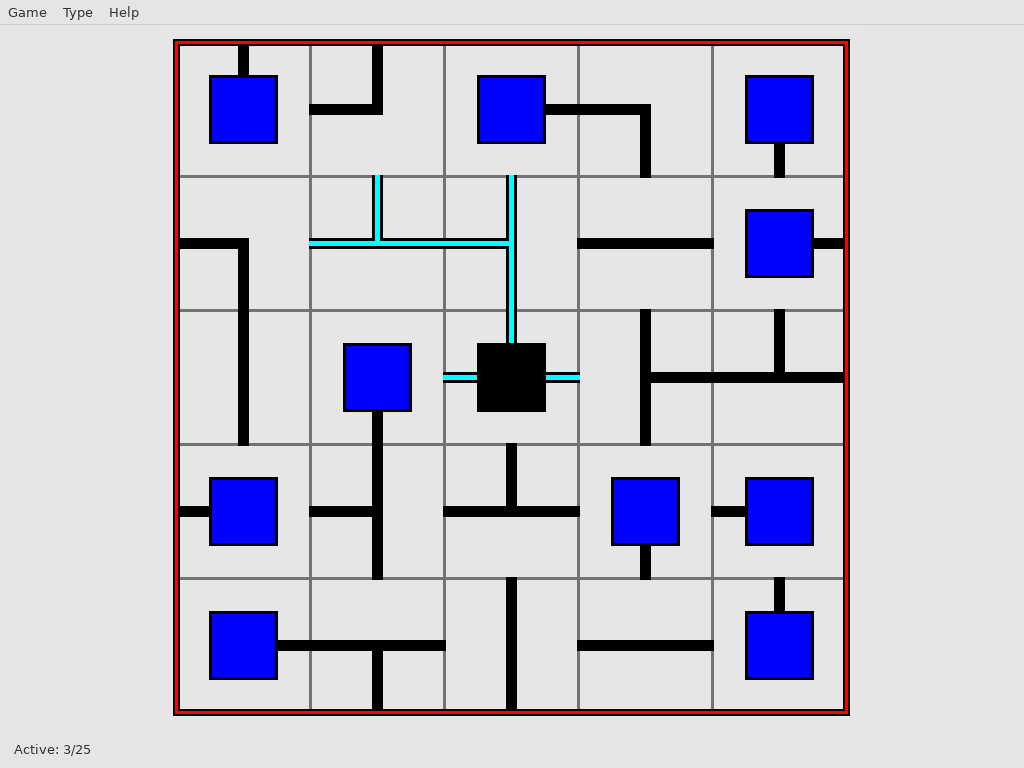
Solo provides Sudoku puzzles; Net asks the player to rotate pieces into a connected network. Install the collection and start Solo with:
doas pkg_add puzzles
puzzle-solo
Strategy, Exploration, and Action #
OpenTTD #
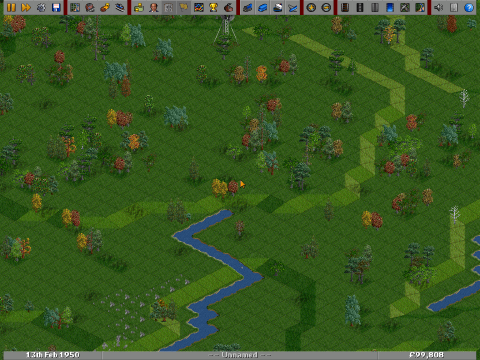
Build a transport company connecting towns and industries by rail, road, sea, and air. OpenTTD rewards network design: junctions, station capacity, and reliable delivery matter as the map develops. It supports both solo games and multiplayer.
doas pkg_add openttd
openttd
The OpenBSD package brings in the free OpenGFX graphics, OpenSFX sound effects, and OpenMSX music as dependencies. An original Transport Tycoon Deluxe installation is optional.
The Battle for Wesnoth #
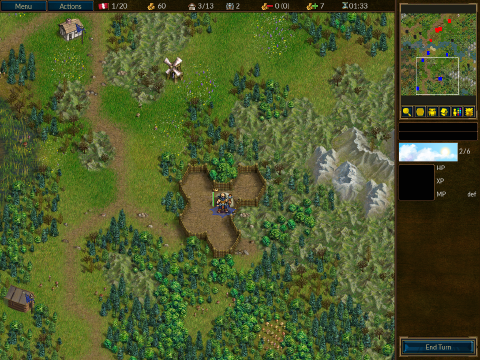
The Battle for Wesnoth combines fantasy campaigns with battles on a hexagonal map. Terrain, time of day, unit experience, and the risk of losing veteran troops give each turn weight. Begin with the tutorial before starting a campaign; multiplayer and downloadable add-ons provide further scenarios.
doas pkg_add wesnoth
wesnoth
The wesnoth package includes the game and its standard campaigns. Players joining a multiplayer game should check that their game versions and required add-ons agree.
SuperTux #
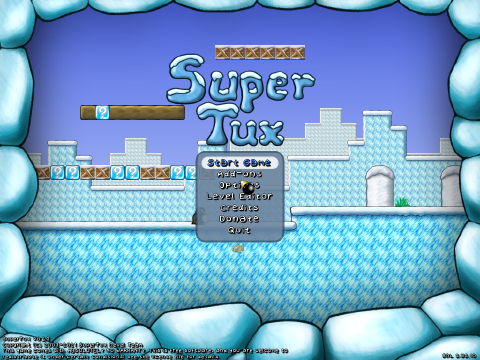
Guide Tux through ice and forest levels, jumping over obstacles and collecting power-ups. SuperTux is a side-scrolling platform game with included levels and a level editor.
doas pkg_add supertux
supertux2
The launch command is supertux2, even though the package
is named supertux.
SuperTuxKart #
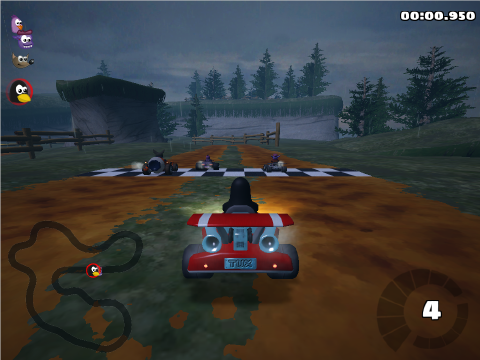
SuperTuxKart is a 3D kart racer with tracks, collectible items, and several race modes. It is a different game from SuperTux and places greater demands on the graphics hardware.
The port supports amd64, i386, and macppc.
doas pkg_add supertuxkart
supertuxkart
The package includes the standard game data. Begin with lower graphical settings if frame rates are poor, and check graphics support before choosing it for an older machine.
Endless Sky #
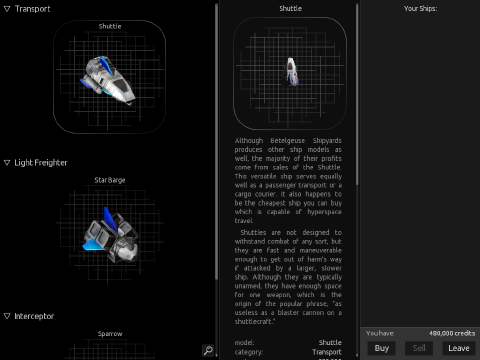
Endless Sky is a space exploration and trading game. Start with a small ship, carry passengers or cargo, upgrade equipment, and choose whether to follow missions or explore independently. Combat and ship management add depth beyond the trading routes.
doas pkg_add endless-sky
endless-sky
The package includes the game data. Follow the opening tutorial to learn navigation and the ship controls.
More Games to Explore #
Freeciv #
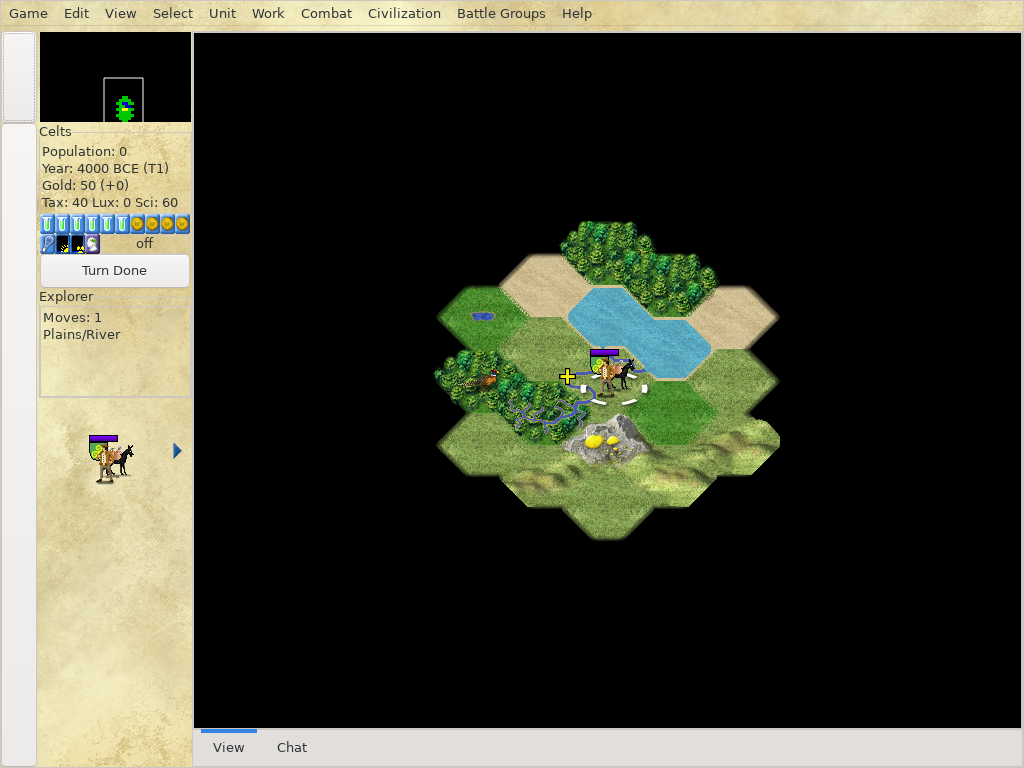
Build an empire through exploration, research, diplomacy, and war. Local games need both the client and server.
Packages: freeciv-client and freeciv-server .
doas pkg_add freeciv-client freeciv-server
freeciv-gtk3
Tales of Maj’Eyal #
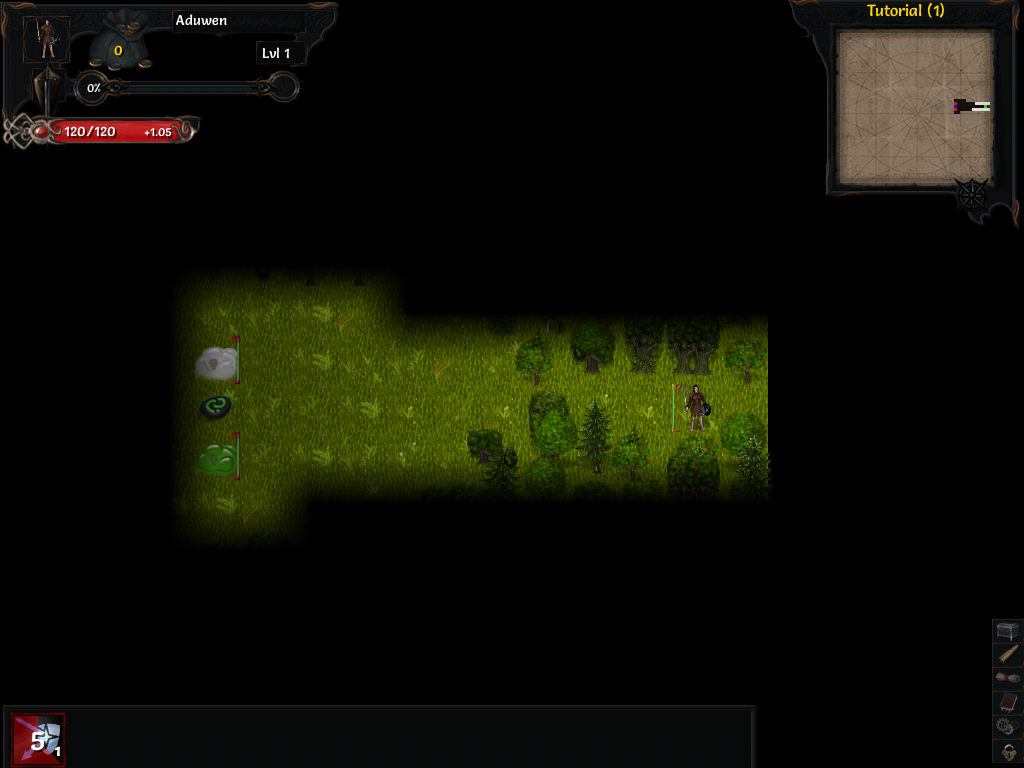
A fantasy roguelike with character classes, tactical combat, and an extensive campaign.
Package: tome4
(amd64 and i386 only).
doas pkg_add tome4
tome4
Use tome4 --safe-mode if the normal graphics settings prevent startup.
Brogue Community Edition #
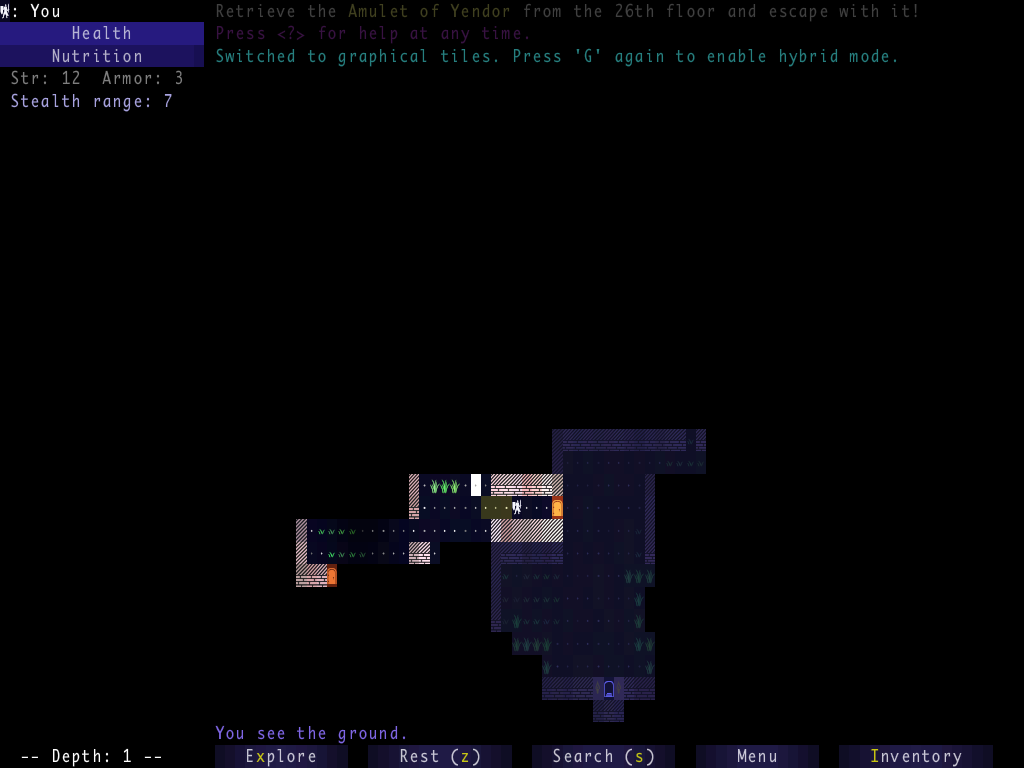
Explore randomly generated dungeons. Press G to switch between text and graphical tiles.
Package: brogue .
doas pkg_add brogue
brogue
HyperRogue #
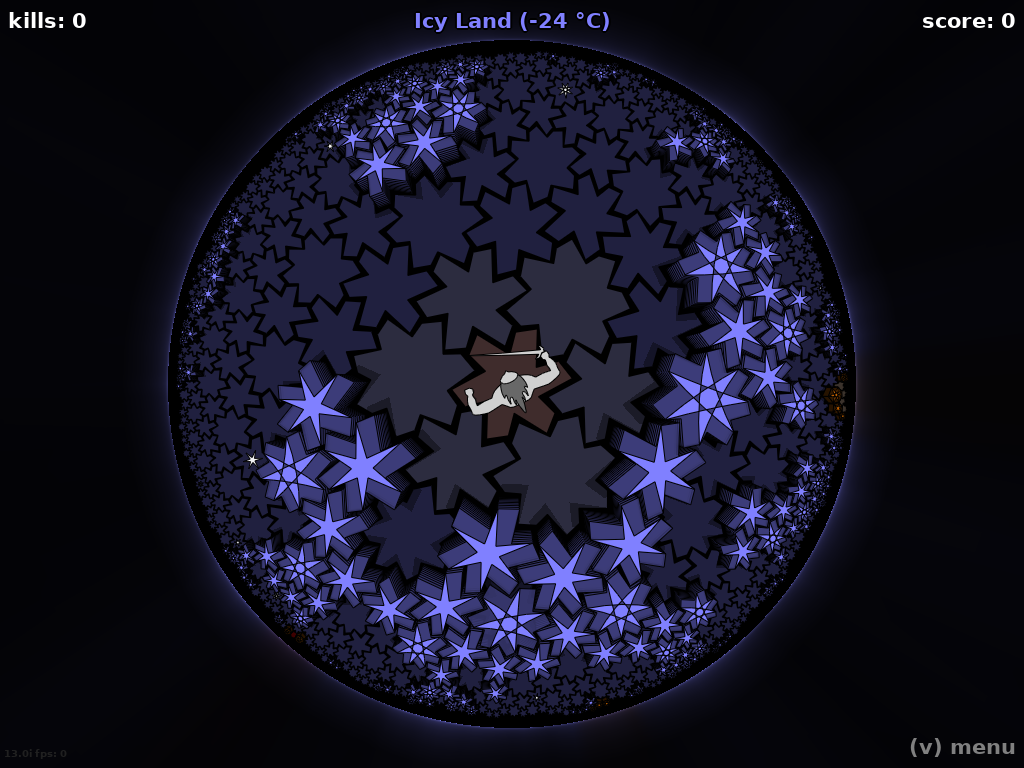
Explore a curved, non-Euclidean world where the geometry changes how escape routes work.
Package: hyperrogue .
doas pkg_add hyperrogue
hyperrogue
Taisei #
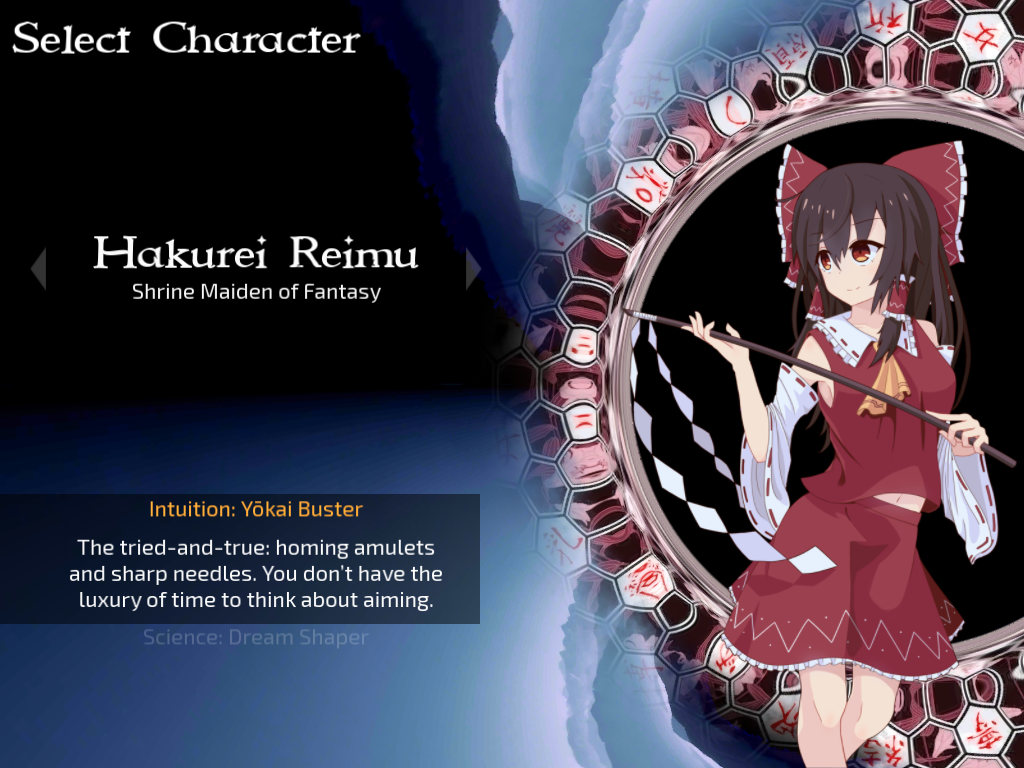
A vertically scrolling bullet-hell shooter centered on dodging patterned attacks.
Package: taisei
(amd64, arm64, and i386 only).
doas pkg_add taisei
taisei
Terminal Games #
These games run in a text console or over SSH, without a graphical desktop.
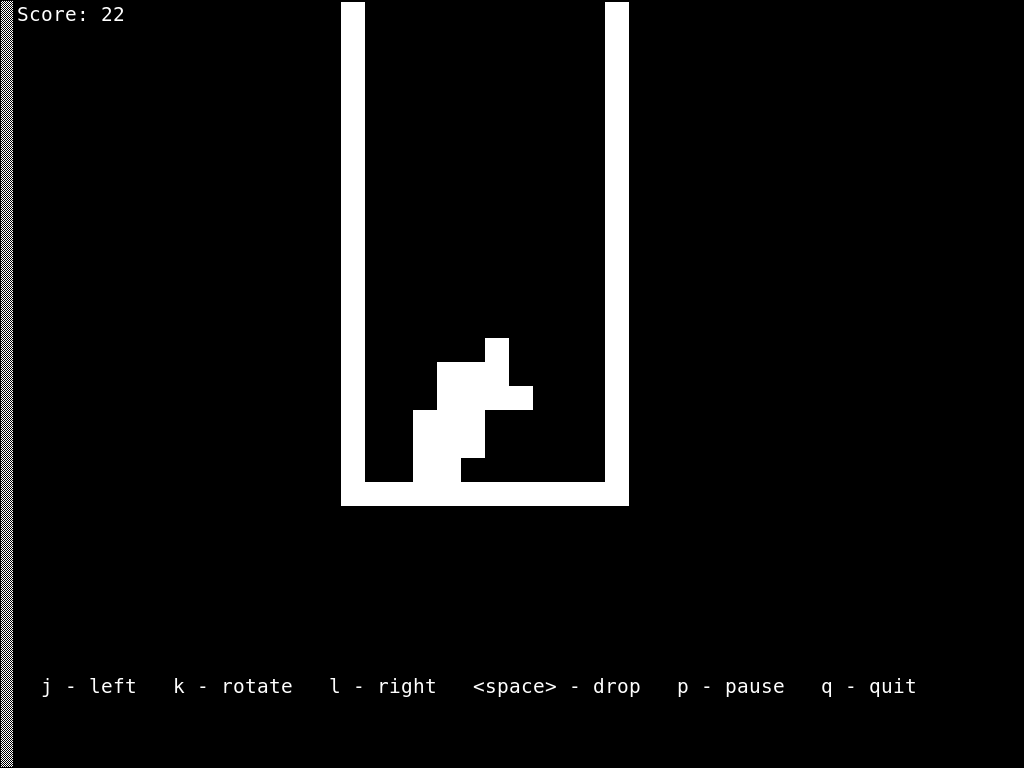
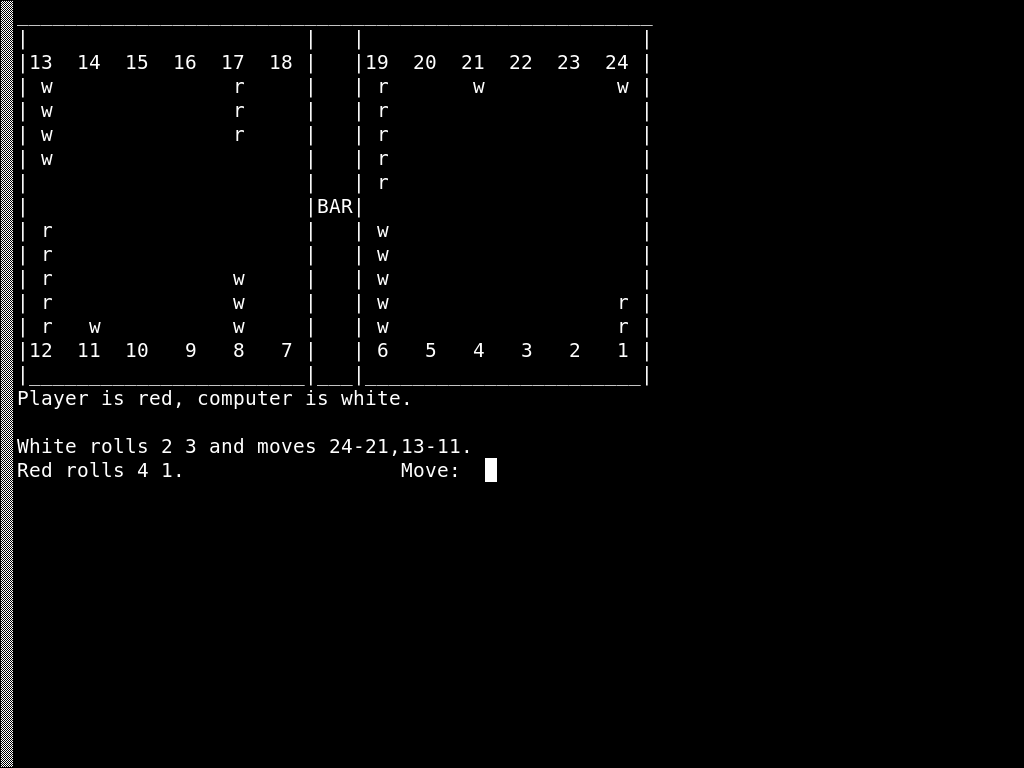
OpenBSD also provides games in its optional games file set, installed under /usr/games. If that set is installed, try tetris(6)
or backgammon(6)
; intro(6)
introduces the games manuals. No package installation is needed for these.
For additional games:
| Game | Package to install | Launch command |
|---|---|---|
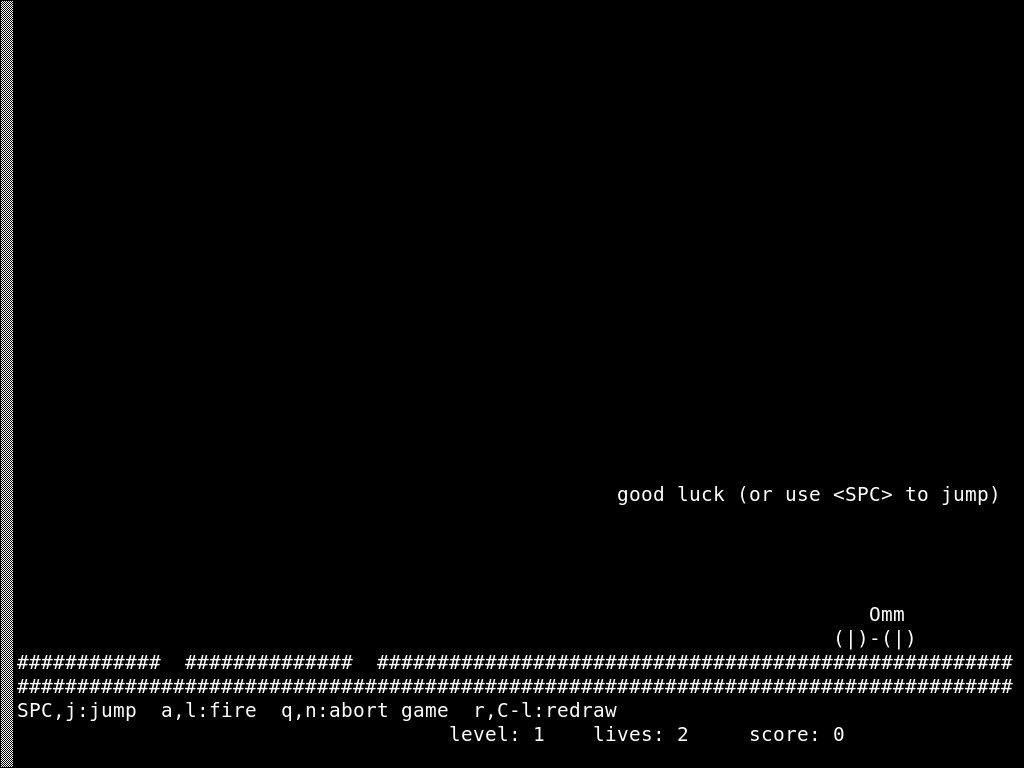
| Moon Buggy, jump a rover over craters | moon-buggy | moon-buggy |
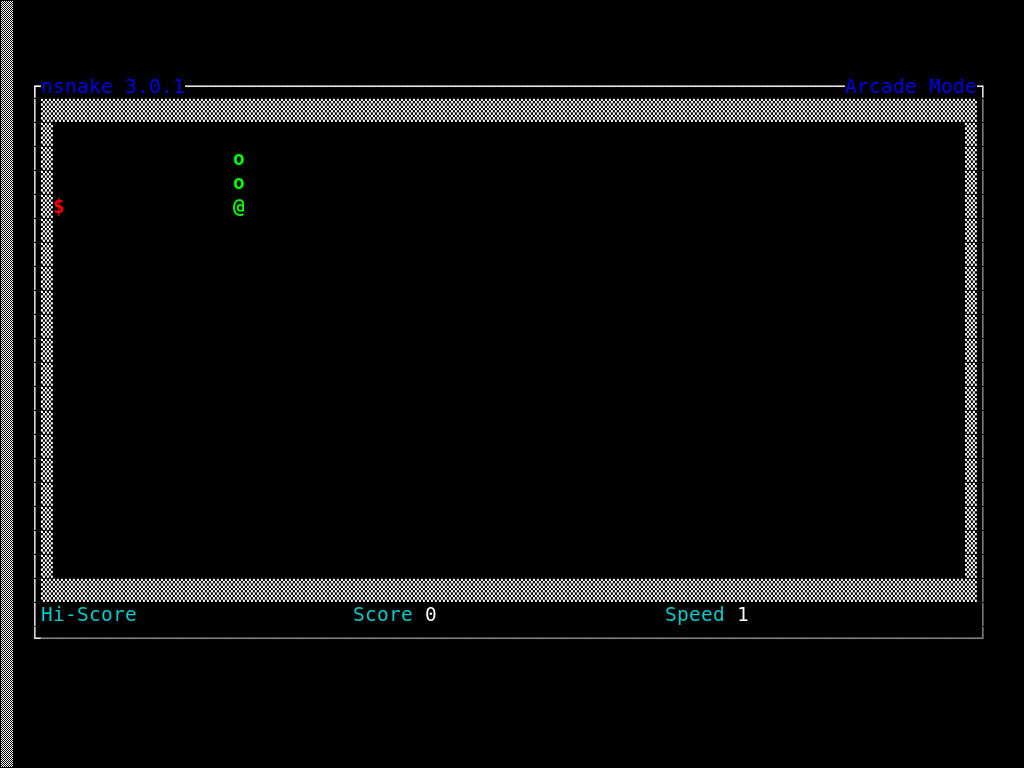
| Snake, collect food without hitting the walls or the snake | nsnake | nsnake |
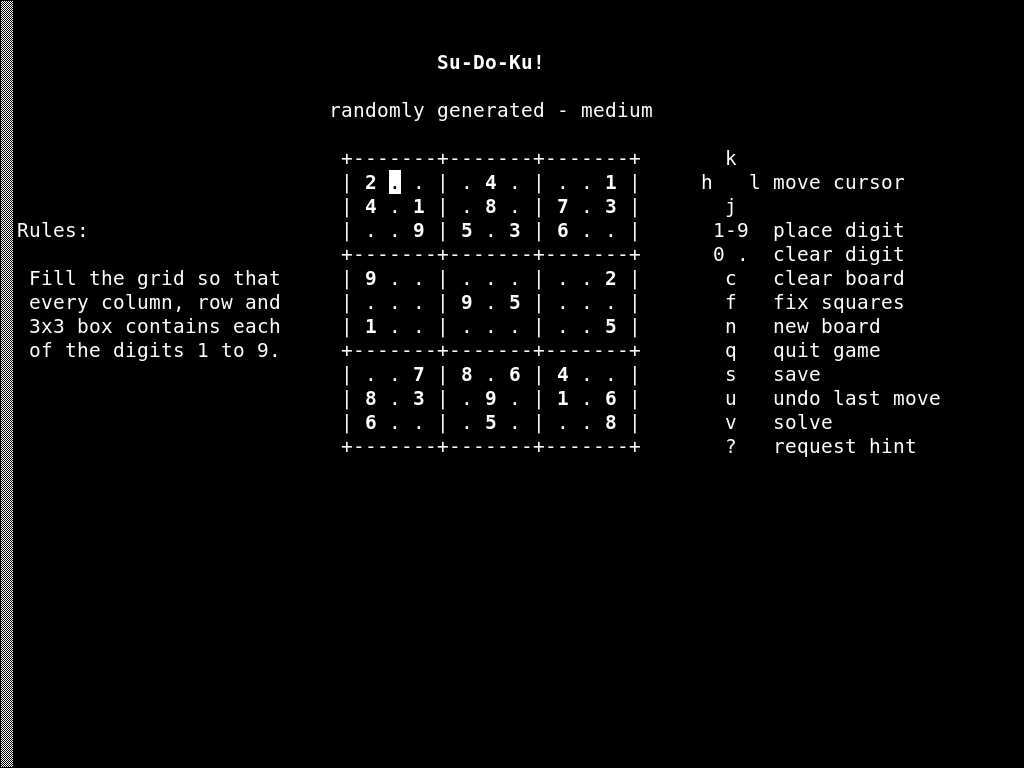
| Sudoku, generate and solve number puzzles | sudoku | sudoku |
For example:
doas pkg_add moon-buggy
moon-buggy
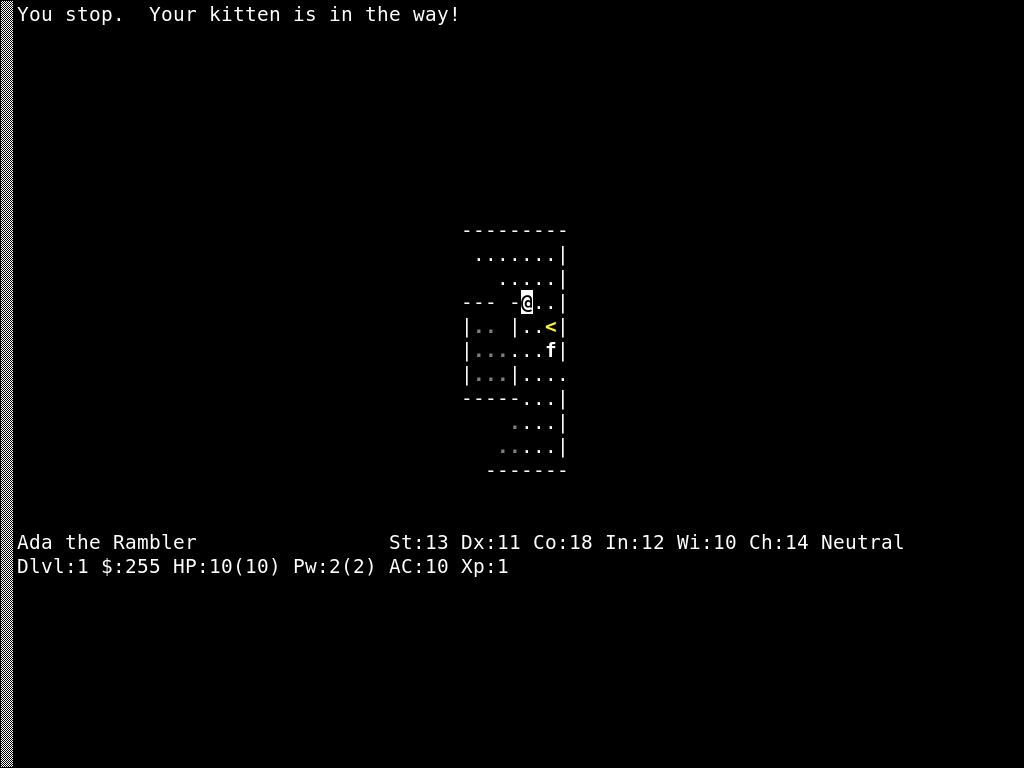
NetHack
is another option for a longer dungeon adventure. Several branches and flavors are packaged, with versioned launchers. Select a branch offered by doas pkg_add nethack, then use pkg_info -L to find its launcher and Guidebook.
Adventures, Engines, and Emulators #
Engine and emulator packages often require separate game data: levels, artwork, music, and dialogue. The examples below distinguish packaged games from engines that need original files.
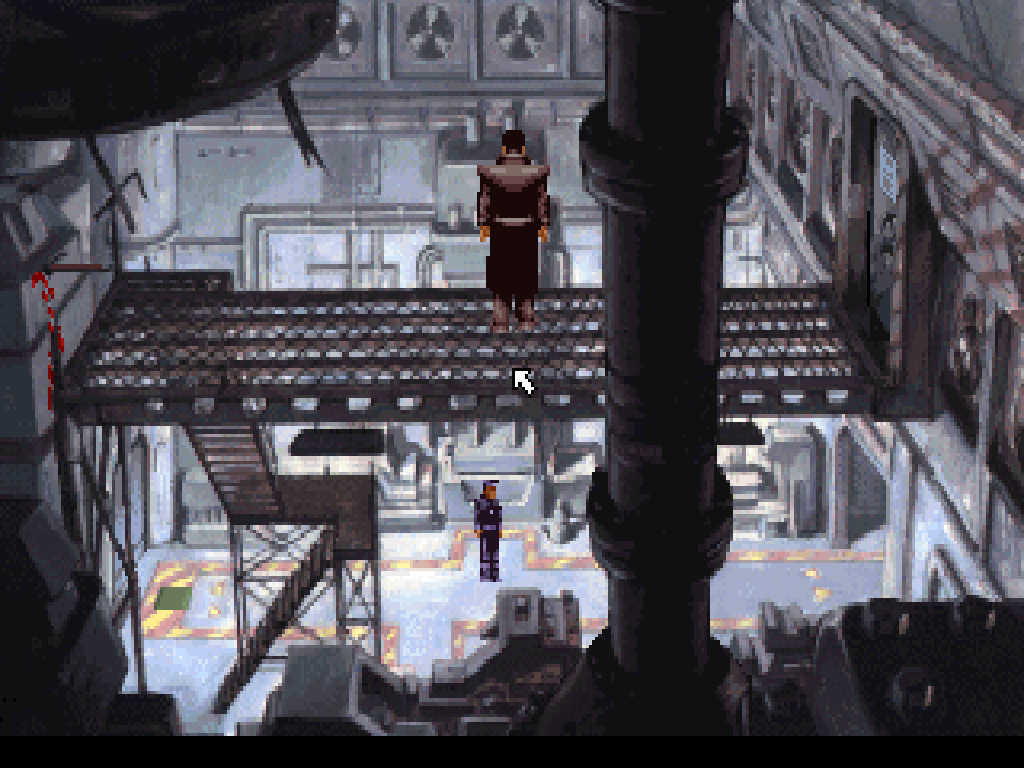
Beneath a Steel Sky #
This point-and-click science-fiction adventure is an accessible way to try ScummVM . The bass package supplies the game data and installs ScummVM as a dependency:
doas pkg_add bass
scummvm
In ScummVM, select Add Game, choose /usr/local/share/bass, accept the detected game, and select Start.
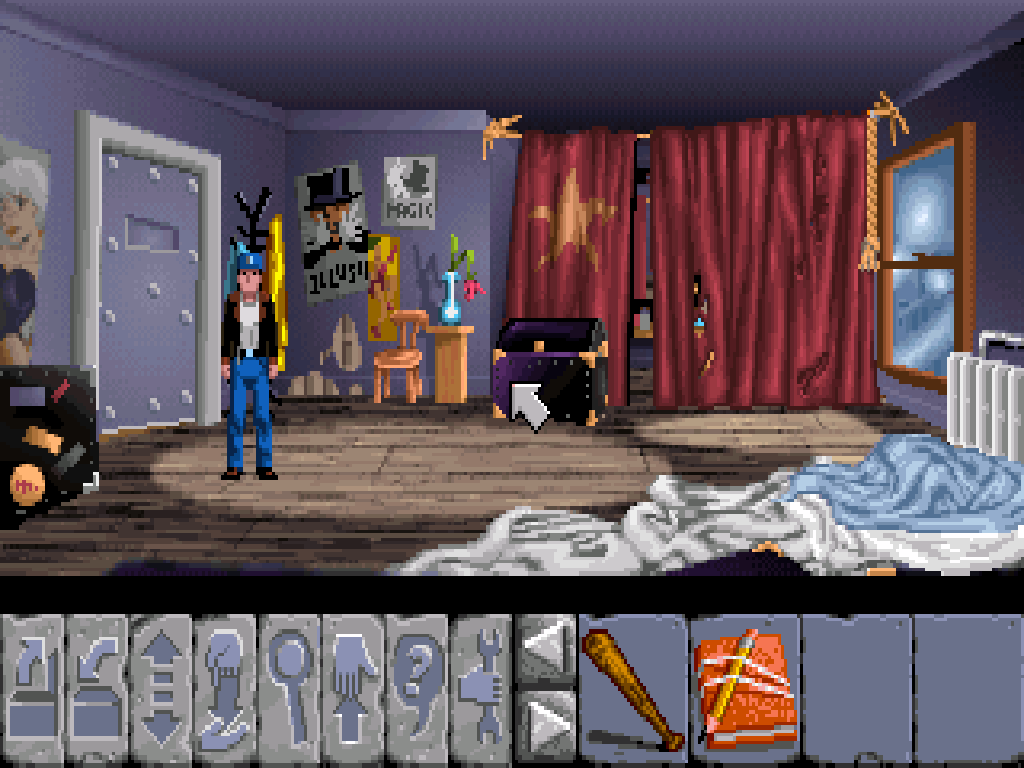
Flight of the Amazon Queen
is another packaged adventure. Install fotaq, then add /usr/local/share/fotaq through the same ScummVM launcher.
Games Requiring Separate Data #
| Package | Use | Additional requirement |
|---|---|---|
| mame | Emulate arcade machines and other older systems (amd64 and arm64 only) | ROM images and, for some systems, firmware or disk images |
| dosbox | Run DOS games in an emulated PC environment | A copy of the DOS game and any installation files it requires |
| scummvm | Run supported adventure games with a replacement engine | The data files for a supported game; requirements differ by game and edition |
| openmw | Run Morrowind with a replacement engine (amd64 and i386 only) | Original Morrowind game data |
| gemrb | Run supported Infinity Engine role-playing games | Compatible original game data and game-specific configuration |
Read each package’s OpenBSD instructions before copying files or changing paths. The MAME project’s ROM collection offers selected games for noncommercial use under the terms stated there; those downloads are not included in the OpenBSD package.
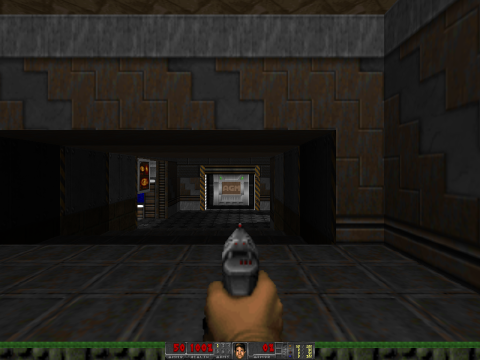
For Doom-style games, GZDoom
needs an IWAD containing the main game data. Its port supports amd64 and i386 only. Freedoom
provides freely licensed data, so original Doom files are not required:
doas pkg_add gzdoom freedoom
gzdoom
GZDoom looks for data in /usr/local/share/doom/ and ~/.config/gzdoom/. Its OpenBSD README describes these paths and graphics backend settings. GZDoom also requires suitable graphics hardware.
Windows Games with Wine #
The experimental Wine port
in -current can run some 64-bit Windows games on amd64. It is not part of the OpenBSD 8.0 release collection, and games requiring a 32-bit executable, installer, or DLL cannot run with this port.
Follow Wine installation and application setup to check package availability and launch a game from its own directory. The Wine package README covers graphics translation layers and troubleshooting; compatibility depends on the game and hardware.
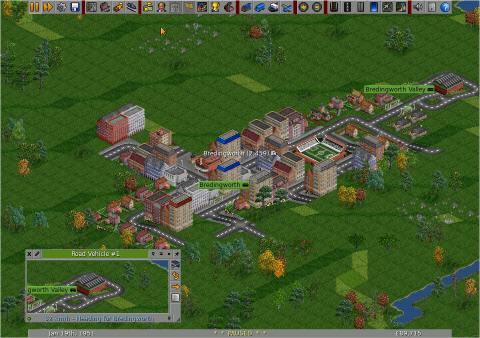
Example: Windows OpenTTD #
This example uses the Windows x64 build of OpenTTD 15.3 with Wine 11.20 on OpenBSD 8.0-current/amd64. For ordinary OpenBSD play, use the native OpenTTD package ; the Windows build provides a freely available example for trying Wine.
Install Wine using the instructions above, then install unzip . Download the official Windows x64 archive and OpenGFX graphics as the regular user:
doas pkg_add -Dsnap unzip--
mkdir -p ~/windows/openttd
cd ~/windows/openttd
ftp https://cdn.openttd.org/openttd-releases/15.3/openttd-15.3-windows-win64.zip
ftp https://cdn.openttd.org/opengfx-releases/8.0/opengfx-8.0-all.zip
unzip openttd-15.3-windows-win64.zip
unzip -d openttd-15.3-windows-win64/baseset opengfx-8.0-all.zip
cd openttd-15.3-windows-win64
wine openttd.exe -v win32 -s null -m null
The OpenGFX archive contains a .tar file; leave it in baseset/, where OpenTTD reads it directly. No original Transport Tycoon files are needed.
This command uses software graphics and disables sound and music. On a desktop with audio configured, omit -s null -m null; sound and music sets can be installed through Online Content.
Choose New Game → Generate to start a map. A first bus service needs two bus stops connected by road, a connected road-vehicle depot, and a bus with orders to visit both stops. Press F3 to save; use Load Game from the main menu to resume it.
Graphics, Sound, and Controllers #
For graphical games, first establish a working graphical environment . Hardware acceleration depends on the GPU and its OpenBSD driver. drm(4) documents supported graphics devices.
If a large game exits with an out-of-memory error, check the account’s datasize limit as well as available RAM. Login classes and resource limits
explains where these limits are configured.
If a game has no sound, check sndiod(8) and the playback volume:
rcctl check sndiod
sndioctl
The multimedia chapter covers device selection and sound diagnostics. USB controllers use ujoy(4) where supported; the game must also recognize the device and map its buttons.
Game artwork and licenses
XMahjongg: artwork by Eddie Kohler, Dorothy Robinson, and Mark A. Holm. The colored default tiles are distributed under the GNU GPL, version 2 or later ; see the XMahjongg source and credits .
OpenTTD: OpenTTD and OpenGFX contributors. OpenGFX graphics are distributed under the GNU GPL, version 2 .
SuperTux: SuperTux Development Team, including Ingo Ruhnke and Stephen Groundwater. See the project’s artwork credits and license .
SuperTuxKart: SuperTuxKart artists, including Jean-Manuel Clémençon (Samuncle) for Lighthouse. See the artwork credits and asset licensing notes .
Endless Sky: Michael Zahniser and Endless Sky contributors. Artwork uses CC BY-SA 4.0 and other licenses listed in the project’s copyright file .
Brogue: Antony Boucher, Oryx Design Lab, and the Brogue Community Edition maintainers. The graphical tiles use CC BY-SA 4.0 ; see the tileset license .
Taisei: character portrait by afensorm, CC BY 4.0 . See the project’s artwork license notes .
Minetest Game: textures by Perttu Ahola (celeron55) and contributing artists, CC BY-SA 3.0 , with additional author and license information in each mod. See the media license and texture credits .
Freedoom: Freedoom project contributors; see the credits and BSD license .